
How to Choose the Right Website Design for Your Business: 10 Things to Consider
Choosing a website design can be surprisingly difficult. Find the right design that fits your business, audience, content, goals and future requirements.
You may find hundreds of attractive website designs online, but a design that looks great for a restaurant may not work for a real estate company. A design that works for a consultant may be completely wrong for an ecommerce business.
The right website design isn't necessarily the one that looks the most impressive. It's the one that fits your business, audience, content, goals and future requirements.
Before choosing a design, you should ask:
- Who is my website for?
- What do I want visitors to do?
- What information do they need?
- What features will my business require?
In this guide, we'll cover 10 important things to consider when choosing a website design, along with common mistakes to avoid and practical tips to help you make the right decision.
Why Does Choosing the Right Website Design Matter?
Your website is more than an online brochure. It can act as your digital storefront, lead-generation channel, product catalogue, portfolio, booking platform, sales tool, customer information centre, and brand showcase.
A good design should make it easy for visitors to understand your business and take the next step.
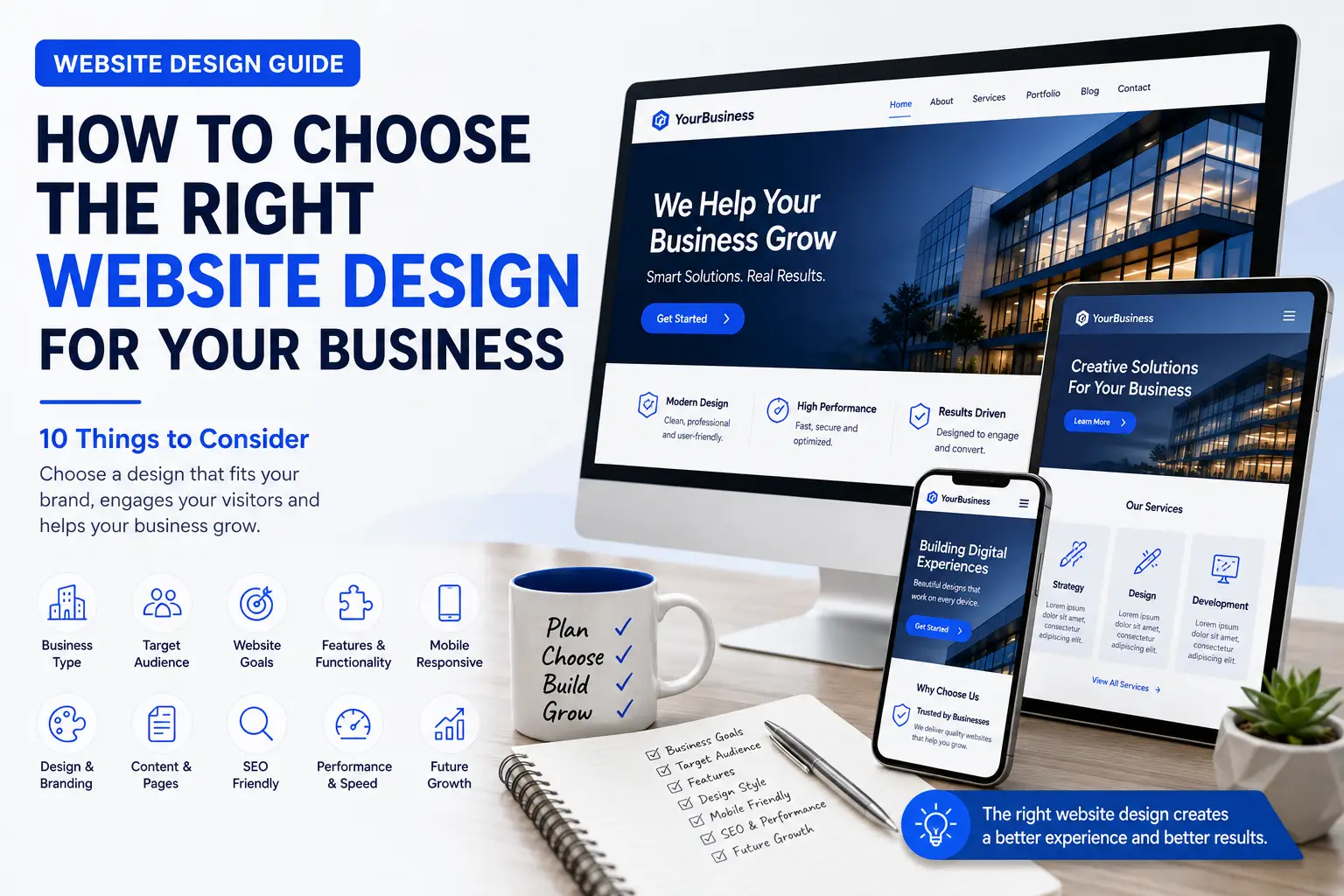
10 Things to Consider When Choosing a Website Design
1. Start With Your Business Type
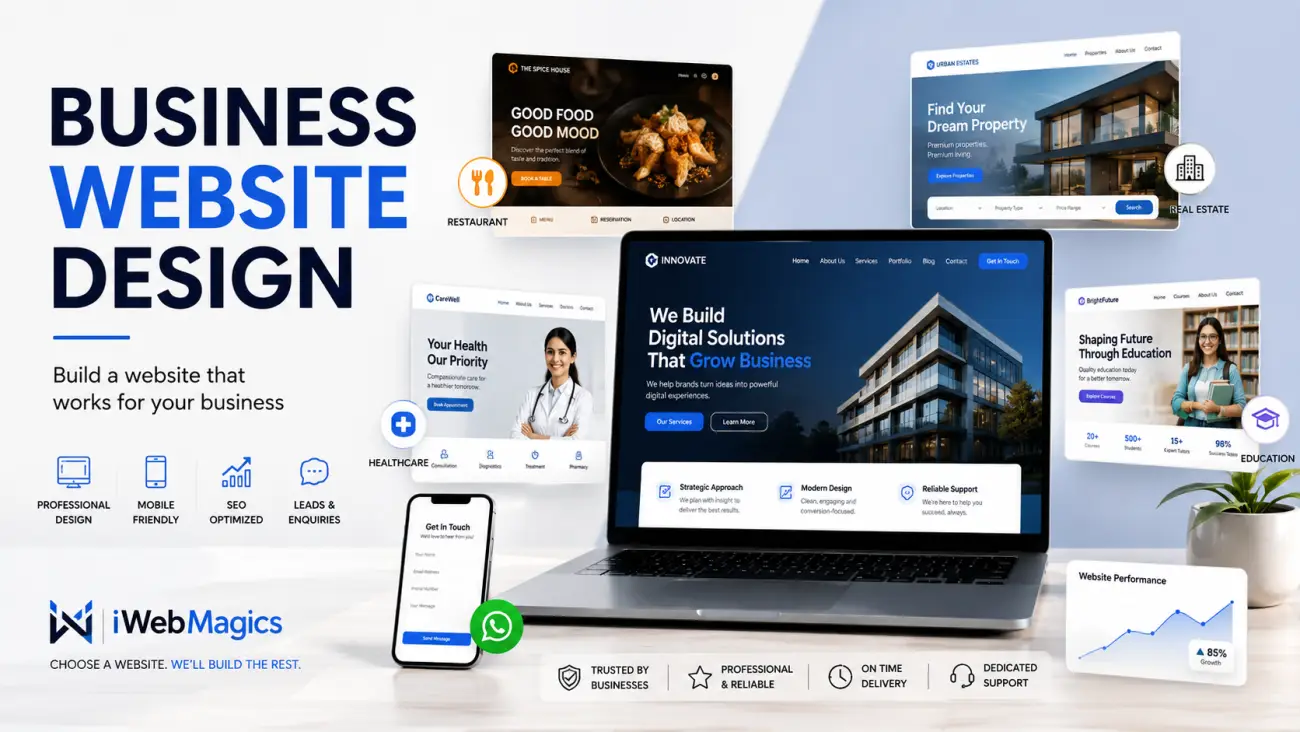
Different industries have different customer expectations. Whether you operate a restaurant, real estate agency, healthcare clinic, educational institution, or professional service, your design should make important industry-specific elements easy to present.
2. Understand Your Target Audience
Your website isn't really designed for you; it's designed for the people you want to attract. Different audiences respond to different design approaches, ranging from vibrant consumer styles to restrained professional aesthetics.
3. Define the Main Purpose of Your Website
Identify your primary objective: do you want to generate enquiries, sell products, secure bookings, build credibility, or simply provide information?
4. Check the Homepage Layout
A strong business homepage follows a logical flow from headline and offerings to benefits, services, trust signals, testimonials, and a clear call-to-action.
5. Check Mobile Responsiveness
Always inspect the mobile version. A website that looks stunning on a desktop monitor can still provide a frustrating experience if text, buttons, and navigation don't adapt properly to smartphones.
6. Make Sure the Design Supports Your Content
A beautiful layout shouldn't force your content into an unnatural structure. Ensure the design accommodates your actual service pages, products, portfolio items, and blog posts.
7. Look at Navigation and User Experience
Keep navigation simple, logical, and consistent. Prioritize user usability over novel, complex animations or unconventional menus.
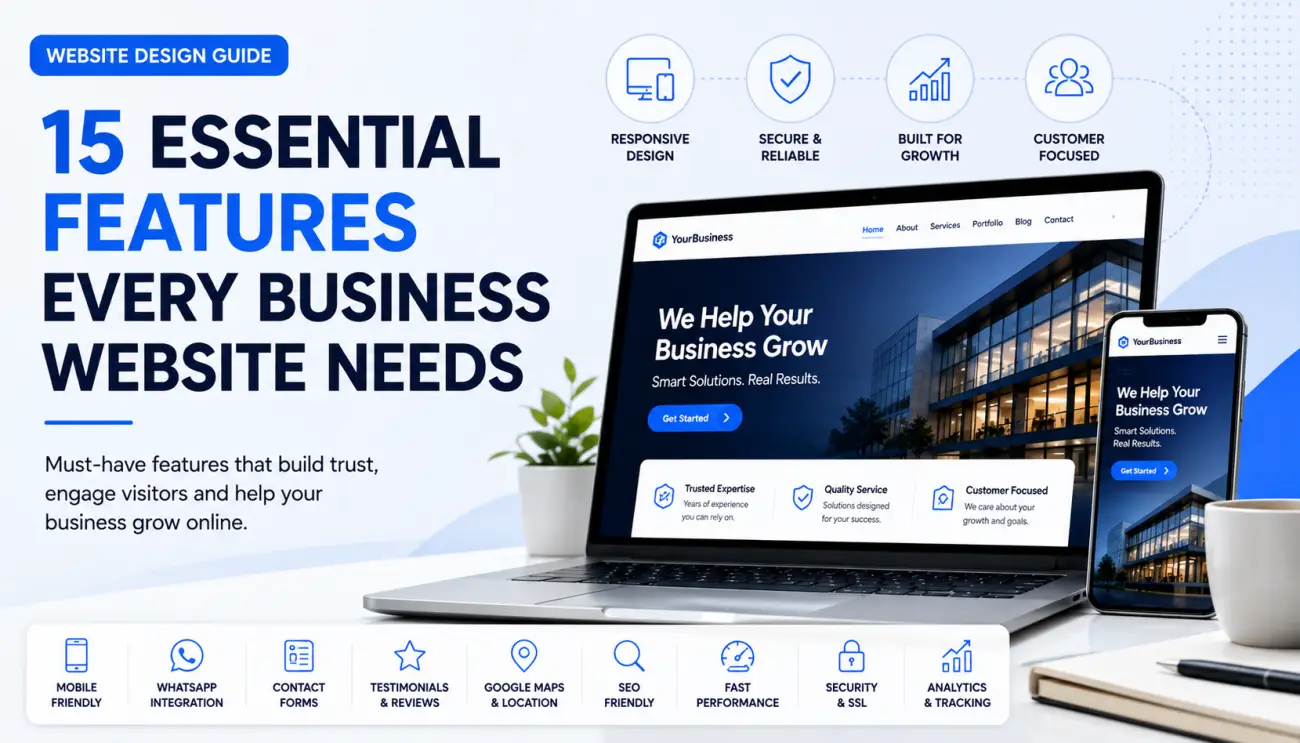
8. Consider the Features You Need
Select a design that supports required integrations and functionalities, such as contact forms, WhatsApp actions, booking calendars, online payments, or ecommerce catalogues.
9. Think About SEO and Performance
A great layout must also load efficiently and feature a search-friendly structure, including proper headings, descriptive URLs, and mobile optimization.
10. Think About Future Growth
Choose a platform and structure that can scale alongside your expanding business, allowing you to easily add new services, products, or locations later.
Template Website or Custom Website?
Template-Based Websites offer faster development, lower initial costs, and proven structures—ideal for small to medium businesses when properly customized.
Custom Websites provide maximum flexibility, tailored user experiences, and complex workflows for organizations with unique, advanced requirements.
Common Mistakes When Choosing a Website Design
- Choosing based only on appearance without checking usability.
- Copying a competitor instead of designing for your specific audience.
- Ignoring mobile responsiveness and mobile UX.
- Adding too many unnecessary features and visual clutter.
- Forgetting to factor in SEO and actual content requirements.
- Selecting solely based on the cheapest price tag.
How iWebMagics Helps You Choose a Website Design
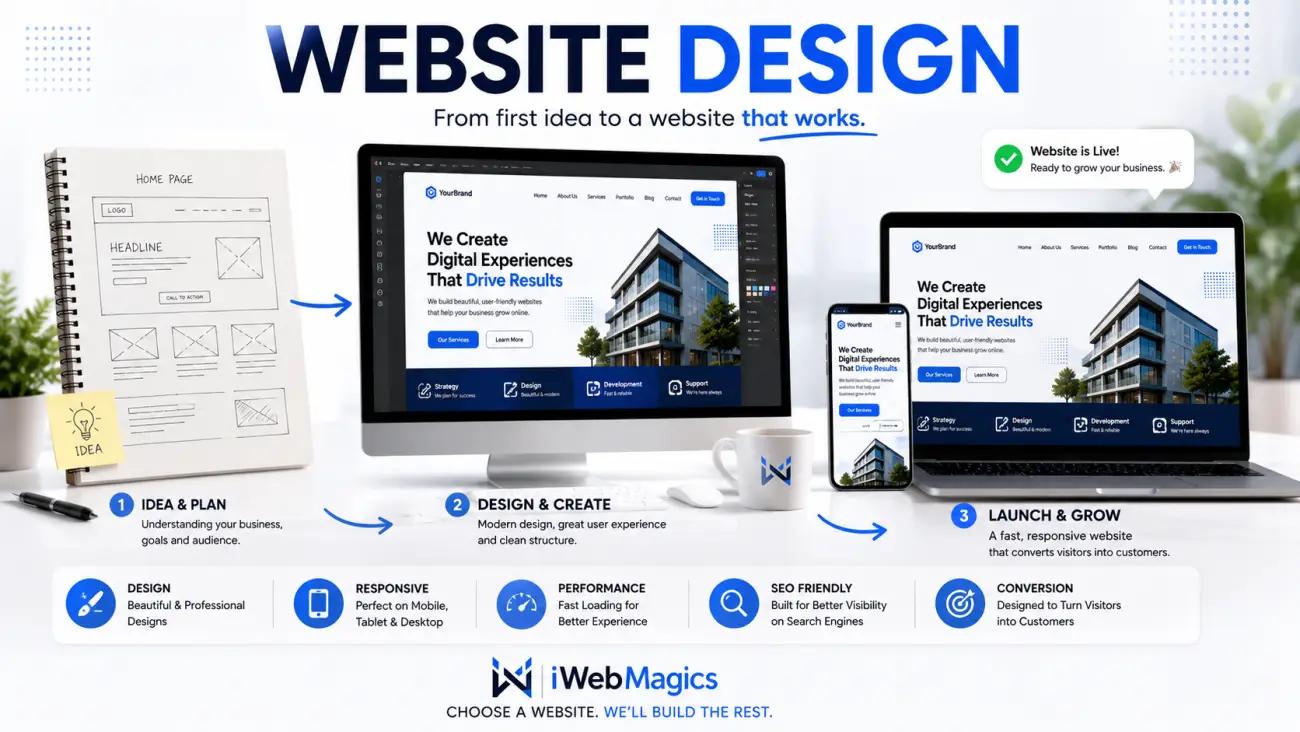
At iWebMagics, we give you a head start by offering professionally designed concepts that you can browse, shortlist, compare, and customize to your brand.
- Browse: Explore layouts tailored to diverse industries.
- Shortlist: Pick options that align with your brand style.
- Compare: Evaluate mobile and desktop responsiveness.
- Customize: Adapt the design to match your exact content and requirements.
- Launch: Go live and establish a strong online presence.
Choose a design you like. We'll build the rest.
Frequently Asked Questions
How do I choose the right website design?
Focus on your business type, target audience, primary objectives, content capacity, functionality needs, mobile UX, and scalability.
Should I choose a website design based on my industry?
Yes, industry-specific structures match customer expectations, saving time and delivering a more effective user journey right away.
Can I customize a template website design?
Absolutely. Colors, fonts, text, images, and features can all be tailored to match your specific corporate identity.
Can I change my website design later?
Yes, though major structural overhauls can require extra time and effort. Planning for flexibility from day one makes future modifications simpler.
Find a Website Design for Your Business
You don't have to start with a blank screen. Explore professionally designed website concepts from iWebMagics, find a design that fits your business and customize it around your brand.
Website Design Guide
Continue exploring the iWebMagics Website Design Guide for practical advice on website design, business websites, website costs, features, SEO, redesigns and choosing the right website for your business.